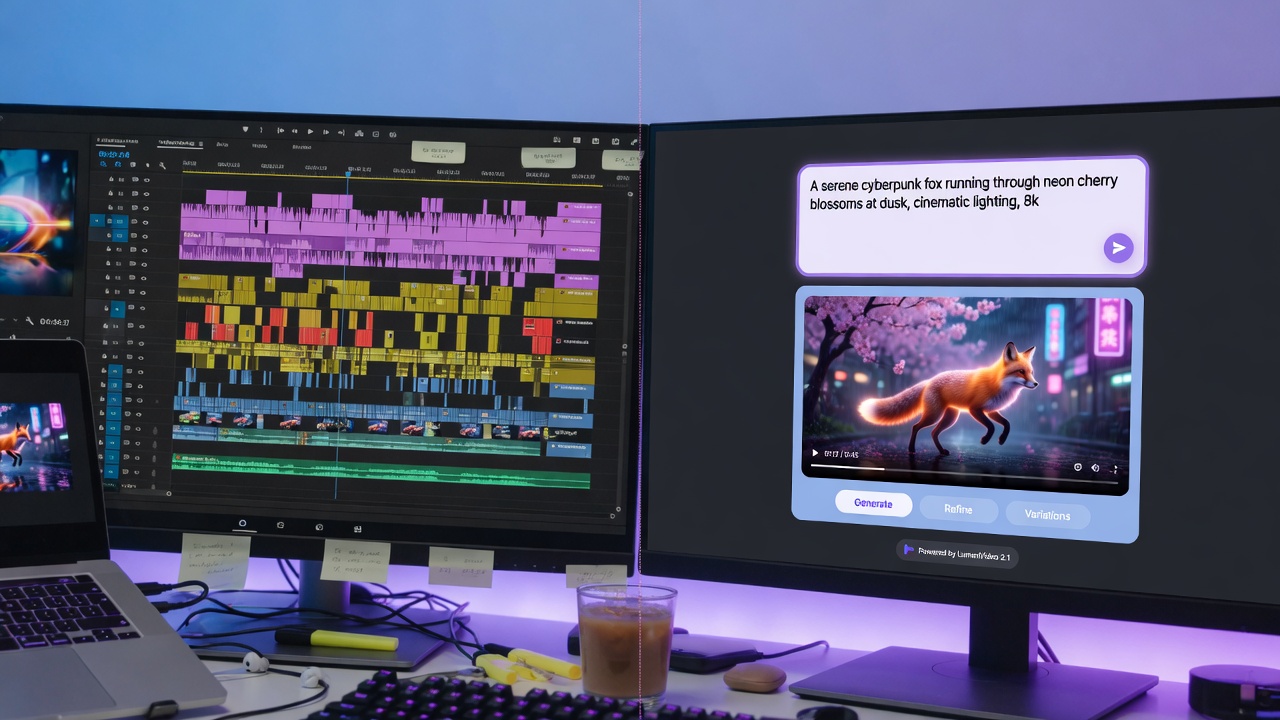
A marketing team at a mid-sized e-commerce brand used to spend three days producing a single product video: scripting, shooting, editing, captioning, and revisions. Last month, they published twelve videos in the same timeframe. The difference? They replaced their traditional workflow with an AI video generator pipeline.
This isn't about replacing creativity. It's about eliminating the repetitive, time-intensive tasks that keep good ideas stuck in production limbo.
The Old Workflow vs. The New Reality
Traditional video production follows a familiar pattern: concept, script, shoot, edit, review, revise, export, caption, publish. For a 60-second product demo or UGC-style testimonial, you're looking at 6-12 hours of work minimum—often spread across multiple days.
Automated video production collapses that timeline. Text-to-video AI handles asset generation. AI video editing software manages cuts, transitions, and pacing. Auto-captioning tools add accessibility in seconds, not hours. What used to take three days now happens in 45 minutes.
The math is straightforward: if you're producing weekly content, you've just freed up 10-11 hours per video. Scale that across a month, and you're looking at an extra 40+ hours returned to strategy, testing, or simply shipping more ideas.
The BrainyVision Pipeline: A Practical Walkthrough
Here's how creators are using BrainyVision to move from concept to published video in under an hour:
Step 1: Prompt to Video (5-10 minutes)
Start with a text prompt describing your video concept. For a product launch, that might be: "Modern kitchen scene, person unboxing sleek coffee maker, warm morning light, closeup of steam rising from fresh cup."
BrainyVision's AI video generator interprets the prompt and generates base footage—no cameras, no studio time, no waiting for the "golden hour." The AI UGC video creator mode adds authentic, user-generated styling if you're building social proof content.
Step 2: Automated Editing & Assembly (10-15 minutes)
Upload any supplementary assets—product shots, logos, existing clips. The platform's AI video editing software automatically sequences scenes, matches pacing to your selected style (energetic, calm, professional), and applies transitions that don't feel like a 2010 PowerPoint.
You're not dragging clips on a timeline. You're making directional choices: faster or slower, brighter or moodier, longer or tighter. The AI handles execution.
Step 3: Auto-Captioning & Accessibility (2-3 minutes)
Captions aren't optional anymore—80% of social video is watched on mute. BrainyVision's auto-captioning scans your audio track (or generates captions from your script if you're working with AI-generated voiceover) and burns in styled text.